Network Recovery
DNS Server Not Responding: Check One Windows 11 PC
On a personal Windows 11 PC, first establish whether the problem affects one device or the whole network.
When one Android app keeps crashing, first confirm other apps work, restart the phone, and update both the app and Android.
Learn more →
On a personal Windows 11 PC, first establish whether the problem affects one device or the whole network.
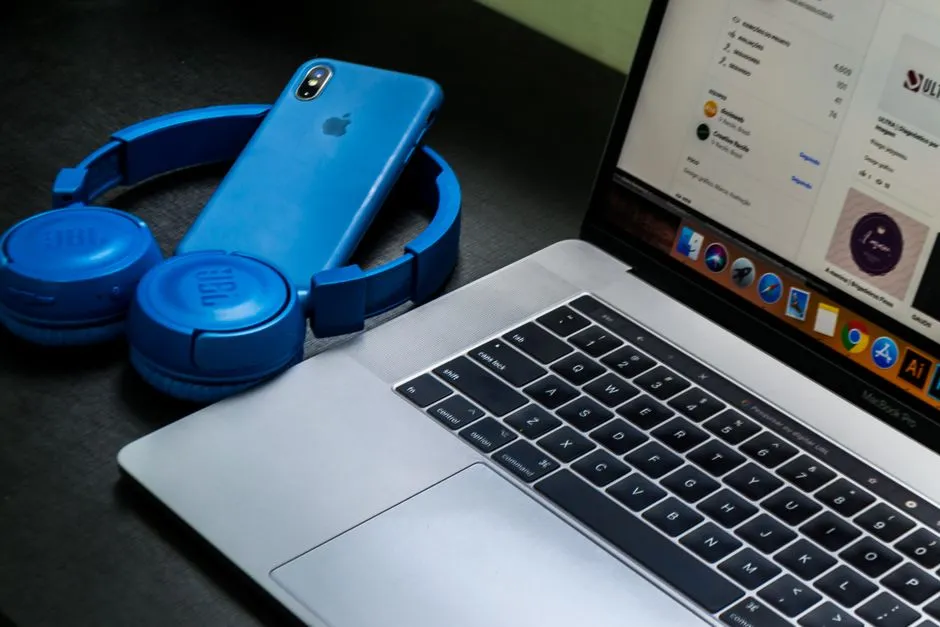
Compare the Ethernet cable and router port before changing software.
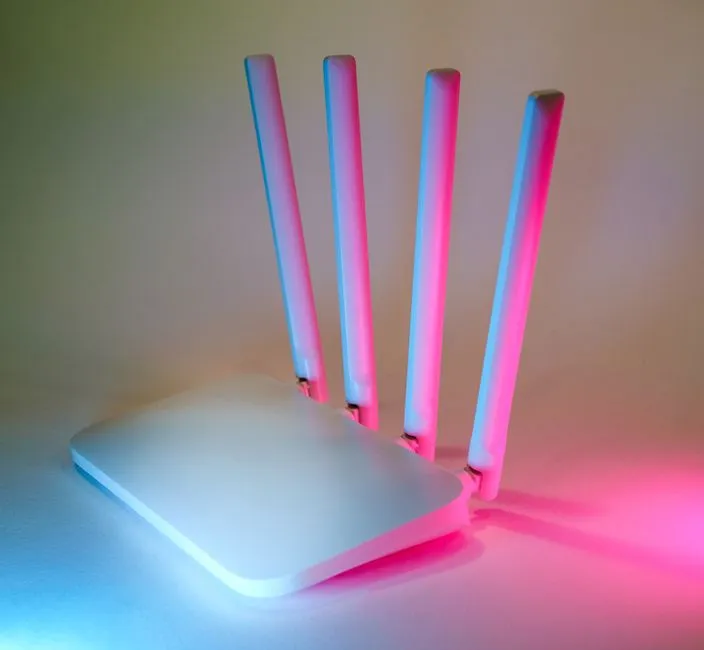
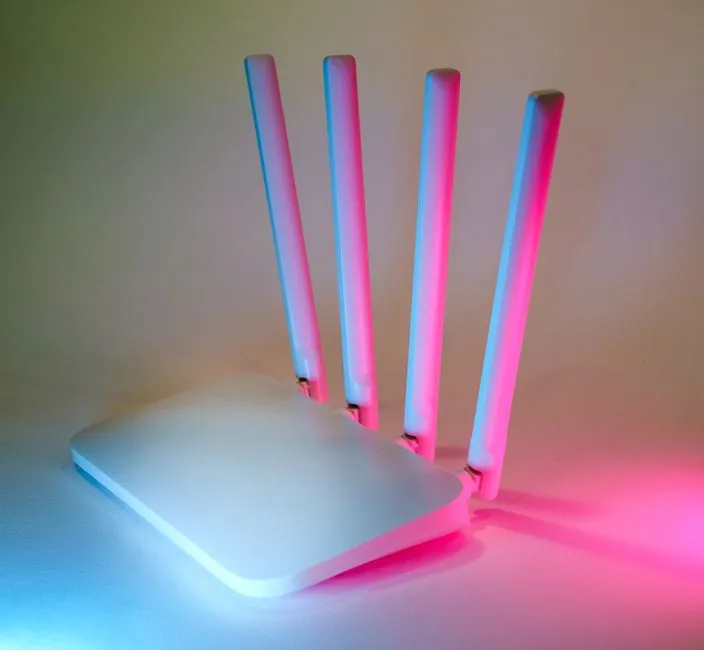
Recover a home network by testing its links in order: provider service, modem or ONT, router, Wi-Fi or Ethernet, then one device.
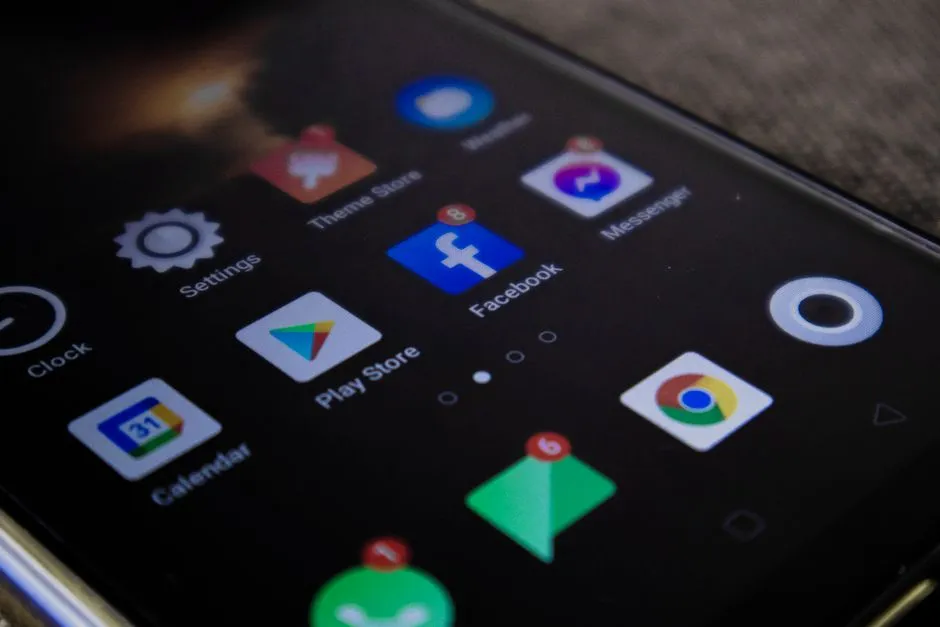
To clear a full iPhone safely, open Settings > General > iPhone Storage and wait for the category list to calculate.
A Wi-Fi icon without internet means the device joined the local wireless network but has not proved a working path beyond it.
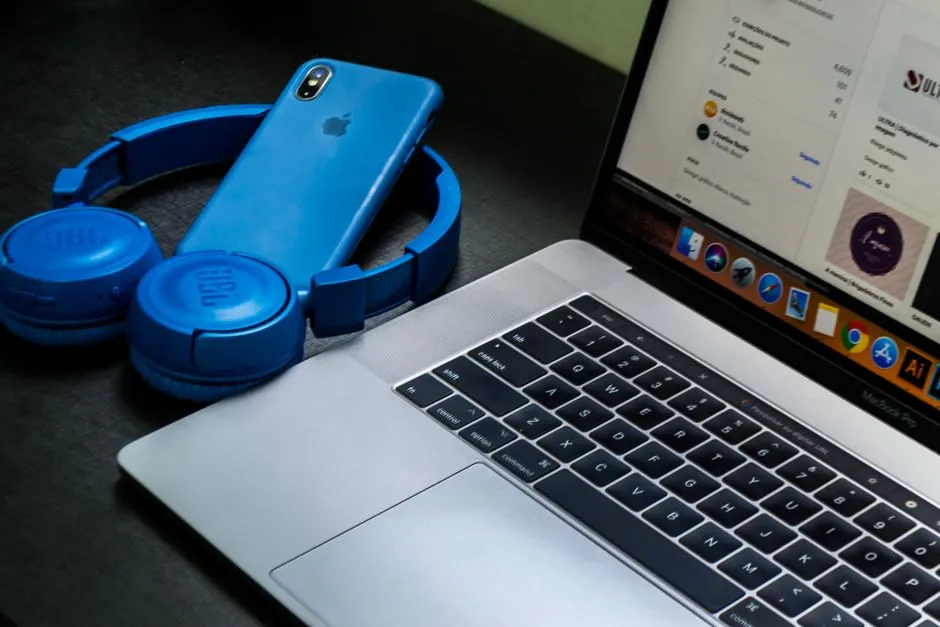
When Bluetooth is not working in Windows, run eight checks before uninstalling a driver: confirm the PC supports Bluetooth; charge and place the accessory…
Android and iPhone fixes that separate app data, device storage, accounts, and cloud storage before deleting anything.
Peripheral and driver diagnostics for Windows, with vendor paths and rollback plans before removal.
Connection fixes that distinguish device, Wi-Fi, router, internet service, DNS, VPN, and captive-portal failures.